From Photos library to poster, within minutes

Made with AI · Lotte isn’t real
No folders to find, no account, no dragging hundreds of photos around. This is everything you do.
From Photos library to poster in a few minutes
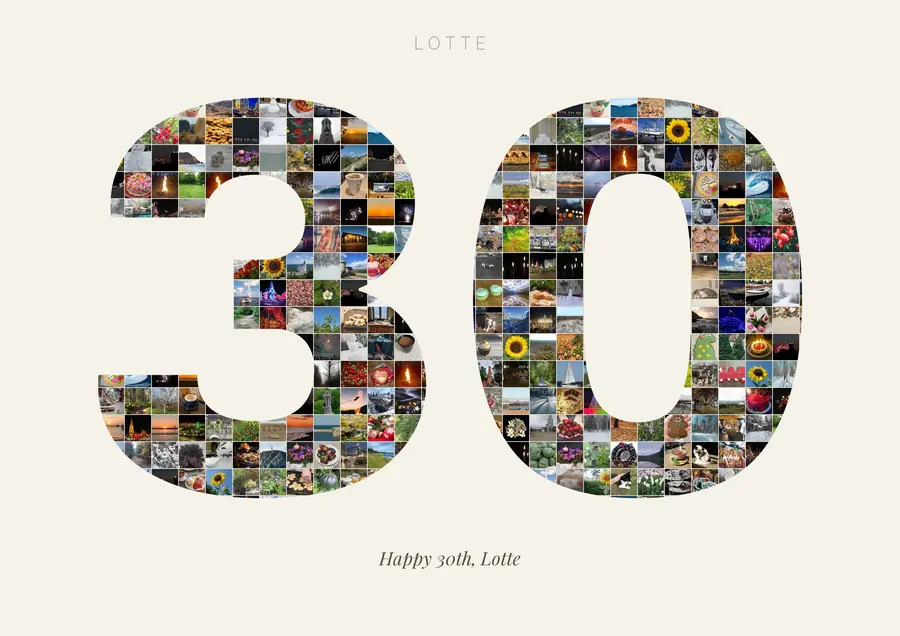
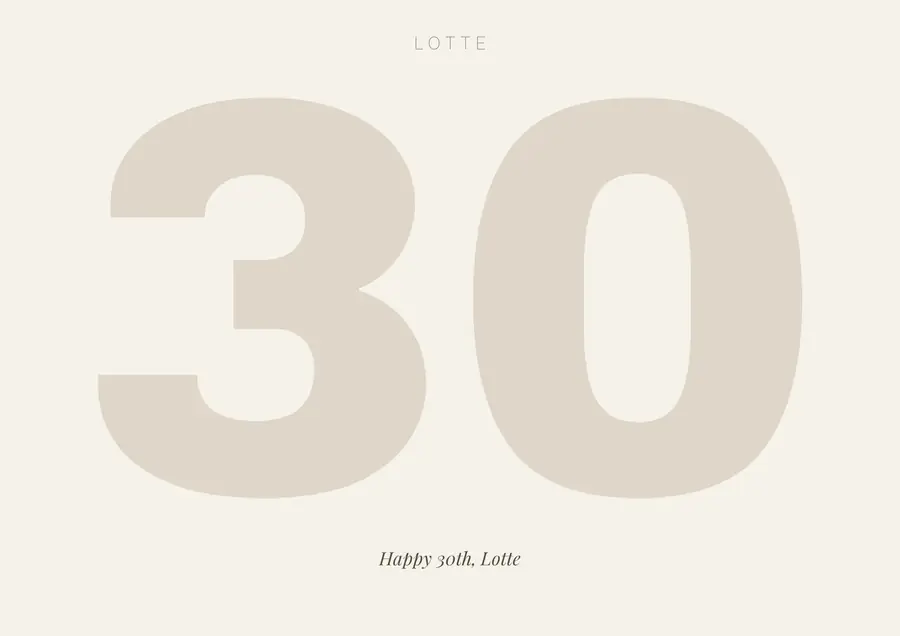
In this example the app finds 223 photos in the Photos library and uploads none.
-
Download the free app
For any Mac with macOS 14 or later. No account.
Try it freeSend to Mac -
Choose who it’s for
The app reads the Photos library on your Mac and already knows the faces. Pick one person, a couple or an album; it gathers their photos for you.
-
See it, fine-tune it, give it
Your artwork appears within minutes. Swap photos and, if you like, change the colours and the design: the background, the shape and the words. Then choose your gift.
What you choose in the app
Make it your own
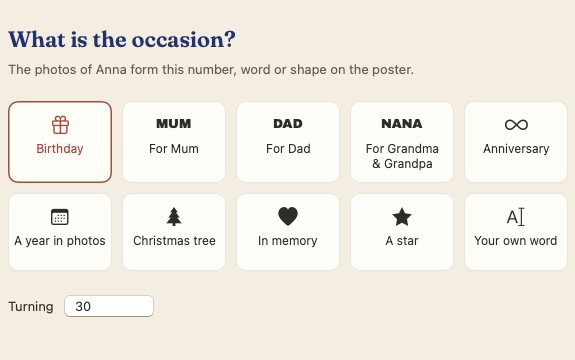
Occasion What is the occasion?
Birthday, For Mum, For Dad, For Grandma & Grandpa, Anniversary, A year in photos, Christmas tree, In memory, A star, Your own word
Name Who is it for?
Lotte
Goes above the photos.
Size How big?
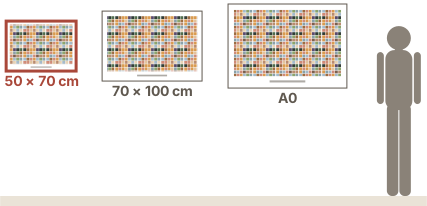
50 × 70 cm Recommended70 × 100 cmA0 · 84 × 119 cm
To scale, beside a person of 1.70 m. With or without a frame.
Look Which look?
Warm ivoryGallery whiteMidnightFrom their photos
Lettering Which lettering for the name?
LOTTEModernLotteClassicLOTTEQuietLOTTEFestiveLOTTELightLotteEditorial
Caption What goes under the photos?
Celebrating 30 years of Lotte
ItalicSerif italicPlainCapitals
Every step explained
Download the app
Install the free app on your Mac (macOS 14 or later). No account, nothing to upload.
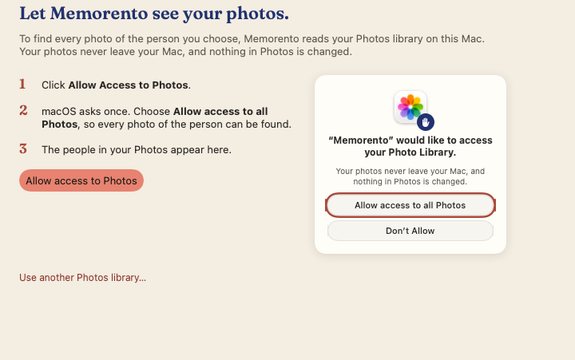
Let it see your photos
Allow it once, with the Photos permission macOS asks for. It looks at your photos only on your Mac; they never leave it.
Choose who it’s for, and the occasion
The app shows the people Photos has already recognised. Choose who it’s for: one person, a couple or an album; then the occasion: an age, a word, a Christmas tree or a heart, and the words on the poster.
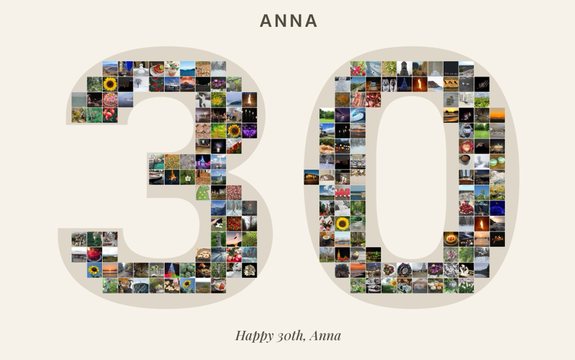
Your mosaic appears
Six designs of your mosaic appear. Choose one, then change photos, background, words or text style if you like. Try as much as you like; it stays free.
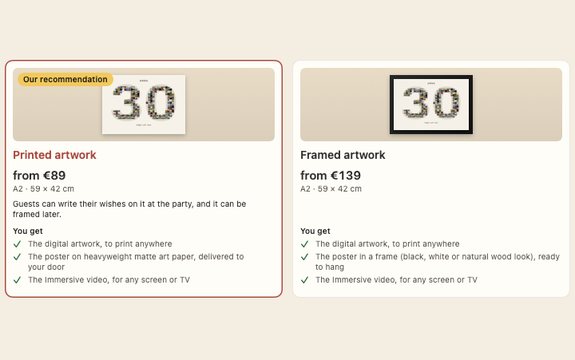
Choose your gift
See your own mosaic as digital, printed or framed artwork in every frame, each with the Immersive video, with prices. Pick what you want.
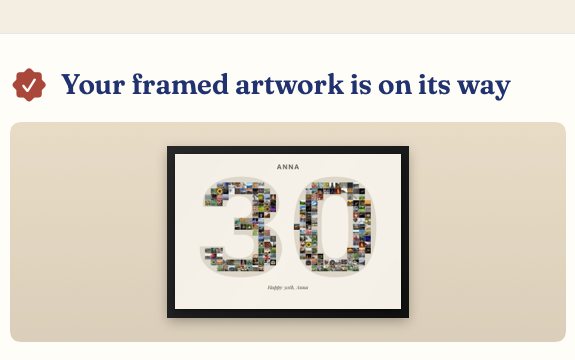
Order, and it arrives
Pay on Stripe's secure page, right in the app. Printed and framed artwork comes to your door; the digital artwork and the Immersive video are yours at once.


What you need
- A Mac on macOS 14 (Sonoma) or later, Apple silicon or Intel.
- Your photos in the Photos app, with the person recognised under People. The more years, the better.
- A few minutes. The app does the heavy lifting.
Made from the photos already on your Mac.
Your photo library stays on your Mac.
Memorento runs on your Mac, where your photos are. Free to make. You approve every photo before you pay. macOS 14 or later.